ProGramerly is the combined workstation: the Ionity tools below are built into it as
capabilities of the Command Center, not shipped as separate downloads. They arrive with the
Windows release, are pinned by size and SHA-256 inside the app, and are verified every time
before they run.
FAN
Fan control
Every fan channel with live RPM and duty, every temperature source, and a curve editor that shows what a curve would command beside what the fan is actually doing. Curves are designed and stored here; the driver-level apply belongs to the Ionity FanControl build (Fanzi).
AiOS
AiOS operator layout
ProGramerly is the IONITY Ai-OS shell: top bar, ask box, workstation dome, stats, tiles and dock — with every workspace opening as an app window over the deck.
CiC
CiC
The IONITY CiC workstation utility, one tile away in the Command Center.
DOME
The DOME, and what it can see
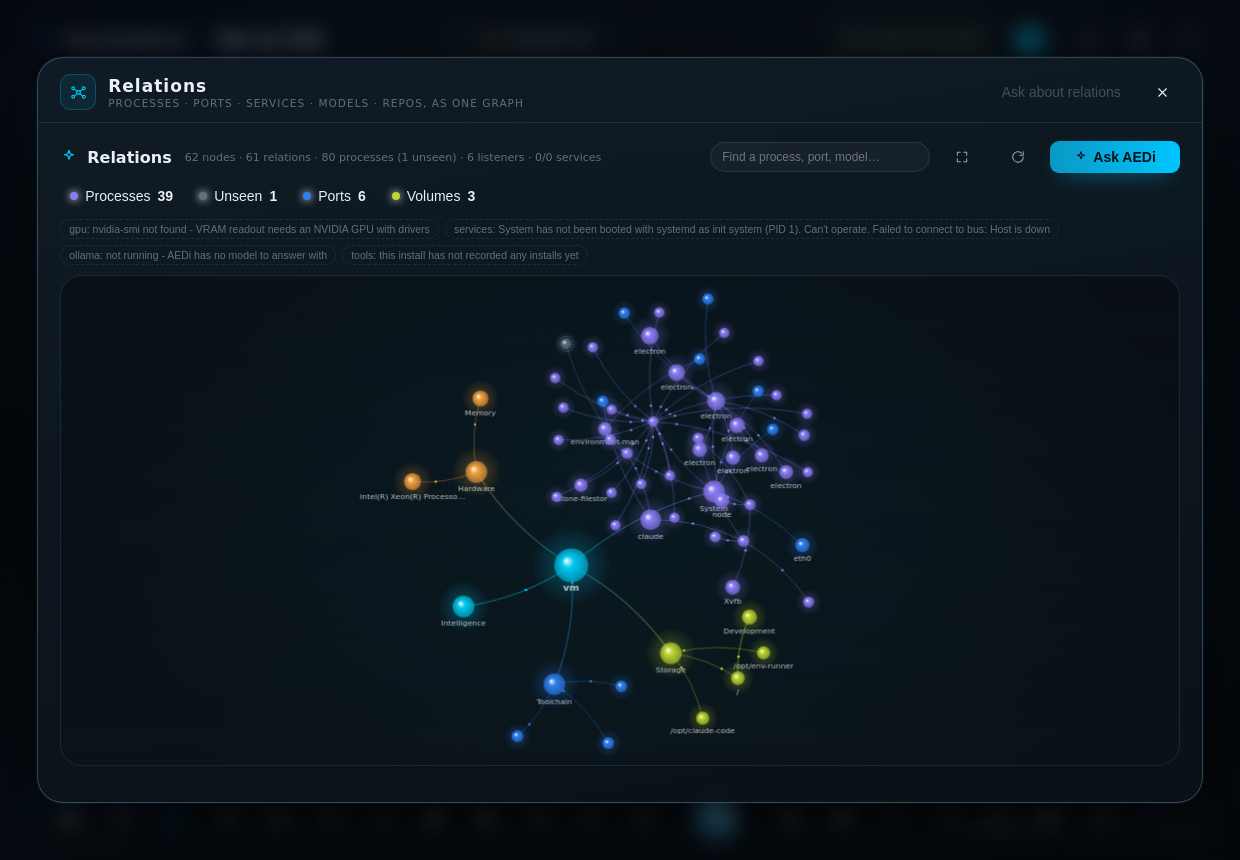
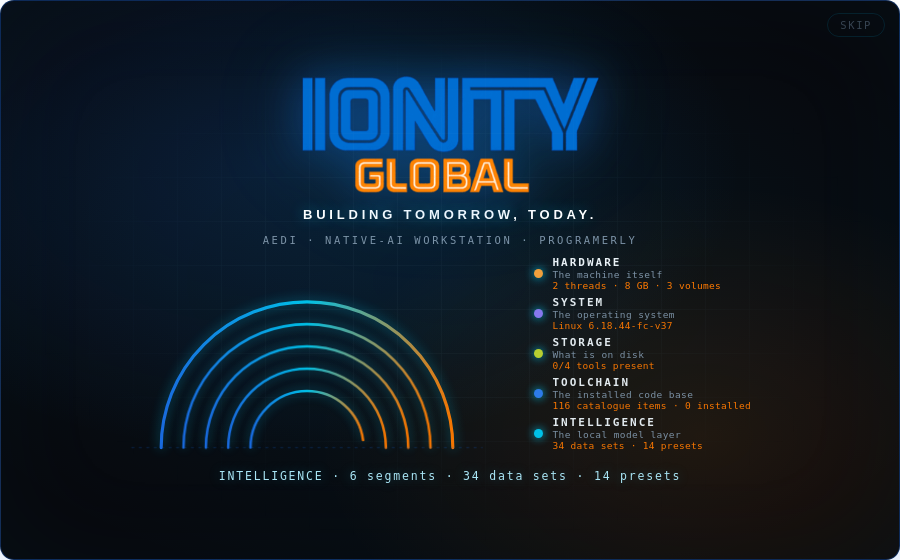
The machine as navigable structure: Hardware, System, Storage, Toolchain, Intelligence — 26 segments, each bound to a real data set, scored live. 34 sets are registered as readable by AEDi, each tagged measured, catalogue, manifest, state or computed, so every figure it quotes can be traced. Fourteen standing presets — including what is running, seen and unseen and what starts by itself.
AI
AEDi — local AI, ready on first run
AEDi answers through Ollama with a small default model (llama3.2:1b, about 1.3 GB, runs on CPU) so the copilot answers on a laptop without sending anything anywhere. Gemma is first class — gemma4:e2b for everyday work, gemma3:1b for quick triage, gemma4:e4b where the memory is there — and every curated model declares what it is for: chat, code, reasoning, vision or embeddings.
OCR
Reading — OCR and local vision
A workspace that turns a page, a screenshot or a PDF into text on this machine. Two kinds of reader, side by side, and the answer names which one produced it: an OCR engine (Tesseract, RapidOCR, EasyOCR) returns the characters it found; a tiny vision model (moondream, granite3.2-vision) reads layout and handwriting and can be asked a question about the page instead of transcribing it. PDFs are rendered at 200 dpi and read page by page. Nothing is uploaded to be read.
READ
The machine reads itself, on launch
As soon as the shell is up, the local model reads the registered sets and reports on the deck — which model answered, how many sets it read, and the figures it took from each. Every workspace carries its own Ask control scoped to what that workspace covers, every preset is one click from the dock orb, and the whole dome can be written out as a Markdown report.
Windows release. macOS and Linux builds carry every other workspace; the Windows-only tools show as “not in this build” there.